
The portal where your cases live
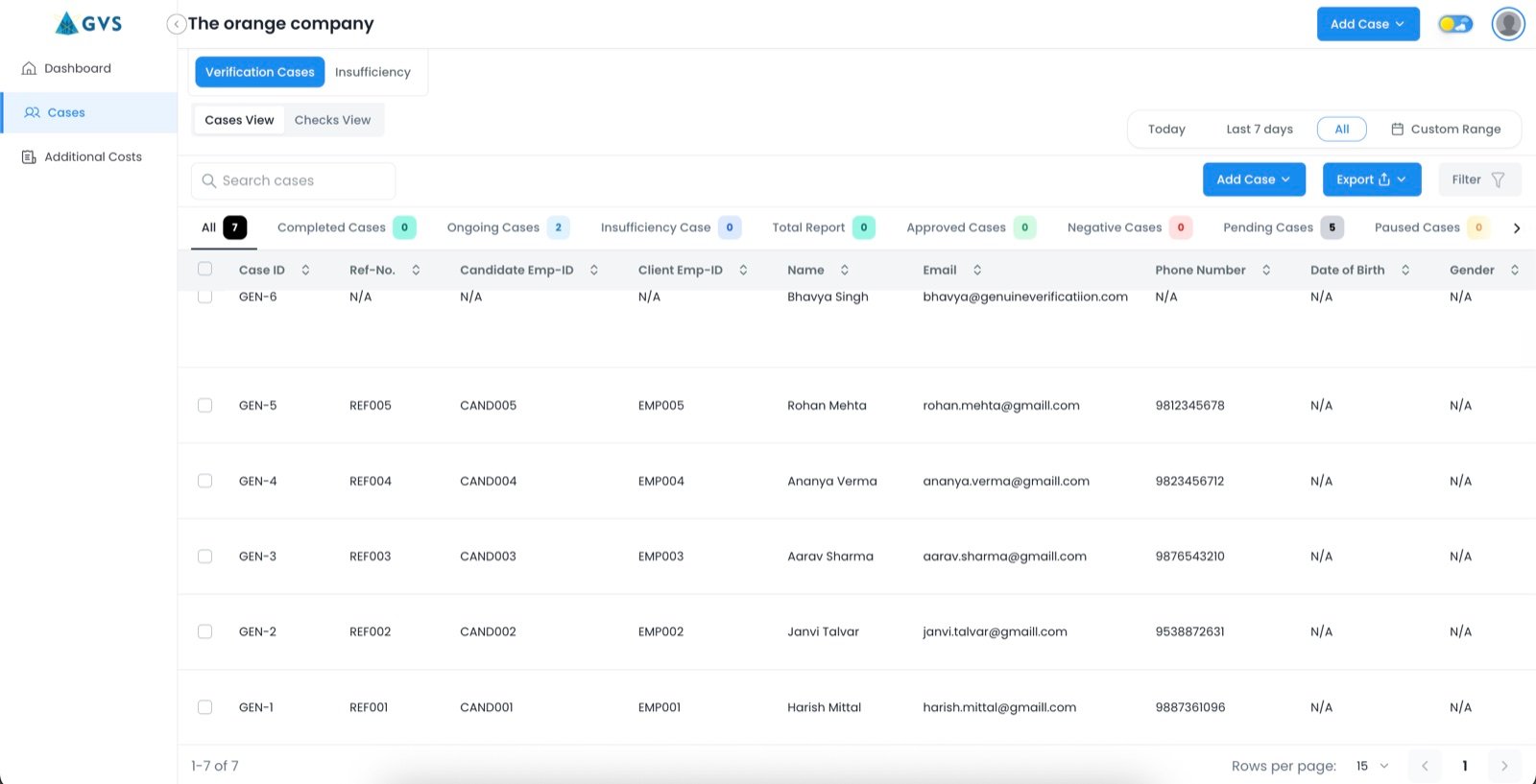
Submit cases, track status per candidate and check, and download reports with the evidence already attached.



































Submit a case in the portal
One candidate at a time, or a whole cohort at once.
Add a single candidate when you need to move on one role.
Upload a cohort at once when you are hiring in batches, and track every one from the same screen.
What the candidate has to do
Nothing happens on their side until they say so.
Sent to the candidate directly, by phone or email, in their name rather than yours.
No app to install. The candidate gives consent and uploads from wherever they are.
Whatever the check, the candidate pays nothing at any point.
Every case, live
Status updates per candidate and per check as each one completes, not only when the full case closes. Log in any time to see exactly where things stand.
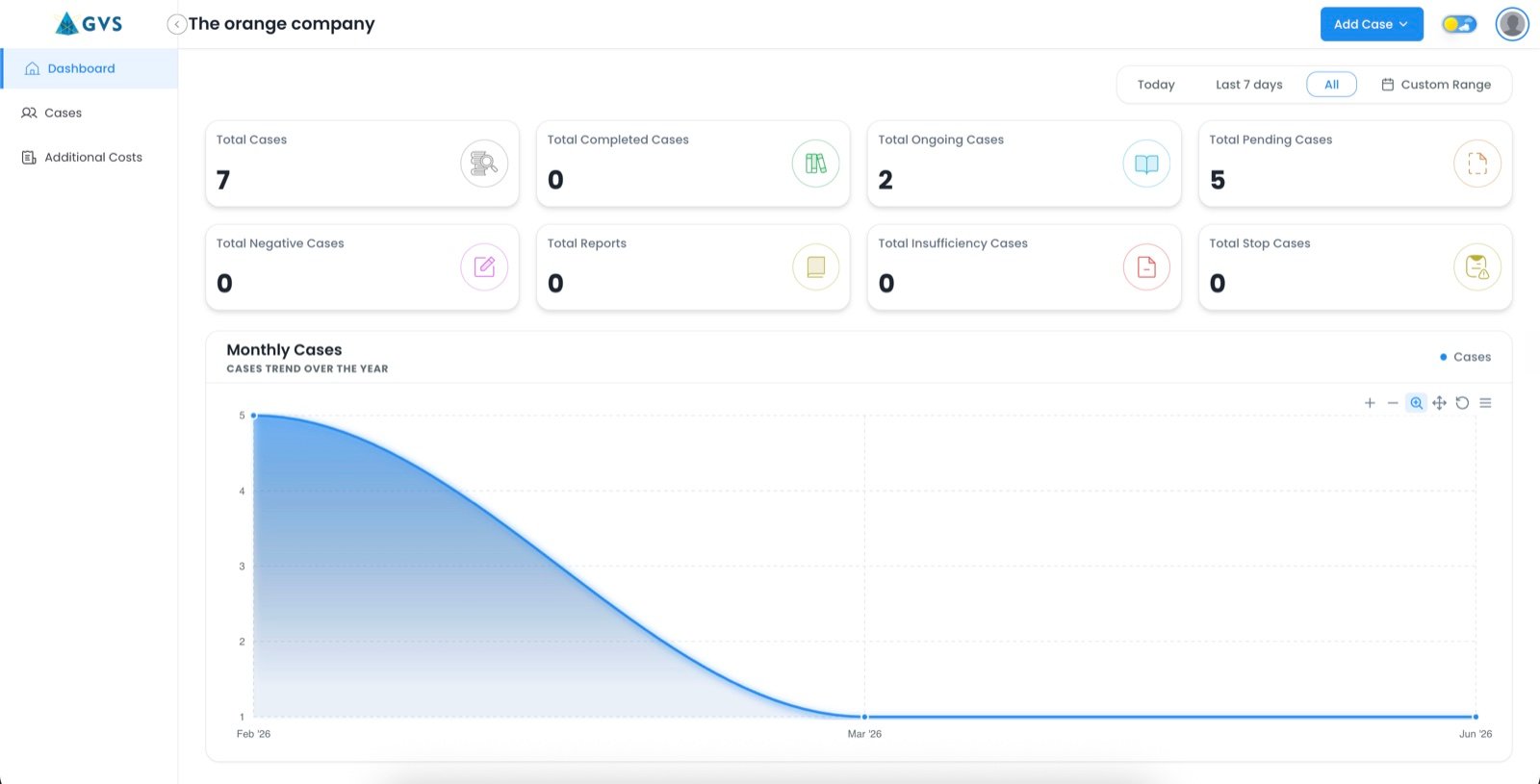
Evidence attached to every finding
Each result carries the document or source response it came from, so an auditor reads the same record GVS did. If something does not match what the candidate declared, it is raised as a flagged finding, never quietly corrected.
Reports are downloadable from the case the moment it is signed off: a summary page with per-check status, and an annexure behind every finding.
Data handled under ISO 27001
Candidate data is processed on a consent basis, not by default.
Checks run on the candidate's written consent under India's DPDP Act. Retention periods and the grievance route are set out in full in the Trust Centre, alongside GVS's ISO 9001:2015 and ISO 27001 certification.
Where to go next
Certifications, consent, retention, security and how a finding is disputed.
Trust Centre Every check we runSixteen checks across five categories, and what each one actually proves.
All checks EnterprisePackage configuration per role grade, bulk submission and a named account contact.
EnterpriseQuestions we get asked
Do I have to submit candidates one at a time?
What does the candidate need to do?
Can I see a case before the report is finished?
What happens if a finding does not match what the candidate told us?
How is candidate data handled?
See the portal for yourself
Talk to sales for a walkthrough, or log in if you already have access.
Talk to sales